sillypoise / design system

editorial rendering

one note, as it is written and as it is read

On the left is the source of a single note: Markdown, with a few Markdoc tags marked in colour. On the right is the page this site renders from it, with the same components a published post uses.

{% title /%}

Every post on this site starts as a plain **Markdown** file. A handful of _Markdoc_ tags add
what Markdown cannot say on its own, and the renderer turns each of them into a component from
the [design system](/design-system). Nothing in the file knows how it will look.

{% callout type="note" title="Where it comes from" %}
Notes are written in a vault, published to a content API, and rendered here on request. The
renderer only accepts the tags in the profile it was given, `sp-markdoc-profile.v2`.
{% /callout %}

## The plain parts

Paragraphs keep a measured line, with **strong** words, _emphasis_, `inline code` and
[links](/work) that carry a steady underline.

> Simplicity is prerequisite for reliability.
>
> — Edsger W. Dijkstra

Lists nest when they need to:

- Plain Markdown for everything ordinary
- Markdoc tags for the rest:
  - callouts and figures
  - code with a title
  - maths and diagrams
- Nothing else

And they can count, or keep track:

1. Write the note.
2. Publish it.
3. Read it here.

- [x] Callouts, code and maths
- [x] Diagrams drawn from text
- [ ] Drawings readers can play with

| Tag | Becomes | Notes |
| --- | --- | --- |
| `callout` | a tinted card | four states |
| `codefence` | highlighted code | with a title |
| `math`, `mathblock` | typeset maths | inline or display |
| `mermaid` | a diagram | drawn in the browser |
| `figure` | an image or a film | with a caption |

---

## A diagram

{% mermaid %}
flowchart LR
  Note[Markdown note] --> Check{Known tags?}
  Check -->|yes| Render[Components]
  Check -->|no| Plain[Plain text, kept safe]
  Render --> Page[This page]
{% /mermaid %}

## Code

{% codefence language="ts" title="WorkGallery.tsx" %}
```ts
function wallImageSpan(image: WorkImage, matUnits: number): number {
  const pictureUnits = WALL_UNITS_PER_COLUMN - matUnits * 2;
  return Math.round((pictureUnits * image.height) / image.width + matUnits * 2);
}
```
{% /codefence %}

Plain fences work too:

```css
.site-cursor__mark[data-mode="action"] {
  background: color-mix(in oklch, var(--site-cursor-color) 30%, transparent);
}
```

## Maths

The work wall measures in rows of a column's width, with {% math %}U = 120{% /math %} rows to a
column. A picture of width {% math %}w{% /math %} and height {% math %}h{% /math %} in a mat of
{% math %}m{% /math %} rows takes

{% mathblock %}
\mathrm{span} = \operatorname{round}\!\left(\frac{(U - 2m)\,h}{w}\right) + 2m
{% /mathblock %}

{% callout type="warning" title="Rounding" %}
The span is rounded to whole rows, so a picture may lose up to half a row at one edge. At 120
rows that is under half a percent.
{% /callout %}

## A figure

{% figure kind="image" src="https://media.sillypoise.io/published/c3fd930240018d7d7b087f617e508c8a/0dcaa2d76db934b7f21c6b18018c796166616f4b77e15a2c9e9e958fd1c92a3e.avif" alt="A jagged mountain range glowing copper and orange against a dark sky." title="Copper range" credit="3D noodling, 2016" %}
Figures take a caption written in **Markdown**, under the picture they describe.
{% /figure %}

How a note becomes a page

Every post on this site starts as a plain Markdown file. A handful of Markdoc tags add what Markdown cannot say on its own, and the renderer turns each of them into a component from the design system. Nothing in the file knows how it will look.

The plain parts

Paragraphs keep a measured line, with strong words, emphasis, inline code and links that carry a steady underline.

Simplicity is prerequisite for reliability.

— Edsger W. Dijkstra

Lists nest when they need to:

  • Plain Markdown for everything ordinary
  • Markdoc tags for the rest:
    • callouts and figures
    • code with a title
    • maths and diagrams
  • Nothing else

And they can count, or keep track:

  1. Write the note.
  2. Publish it.
  3. Read it here.
  • Callouts, code and maths
  • Diagrams drawn from text
  • Drawings readers can play with
TagBecomesNotes
callouta tinted cardfour states
codefencehighlighted codewith a title
math, mathblocktypeset mathsinline or display
mermaida diagramdrawn in the browser
figurean image or a filmwith a caption

A diagram

Diagram
flowchart LR
Note[Markdown note] --> Check{Known tags?}
Check -->|yes| Render[Components]
Check -->|no| Plain[Plain text, kept safe]
Render --> Page[This page]

Code

WorkGallery.tsxts /
function wallImageSpan(image: WorkImage, matUnits: number): number {
  const pictureUnits = WALL_UNITS_PER_COLUMN - matUnits * 2;
  return Math.round((pictureUnits * image.height) / image.width + matUnits * 2);
}

Plain fences work too:

Code fieldcss /
.site-cursor__mark[data-mode="action"] {
  background: color-mix(in oklch, var(--site-cursor-color) 30%, transparent);
}

Maths

The work wall measures in rows of a column's width, with rows to a column. A picture of width and height in a mat of rows takes

A figure
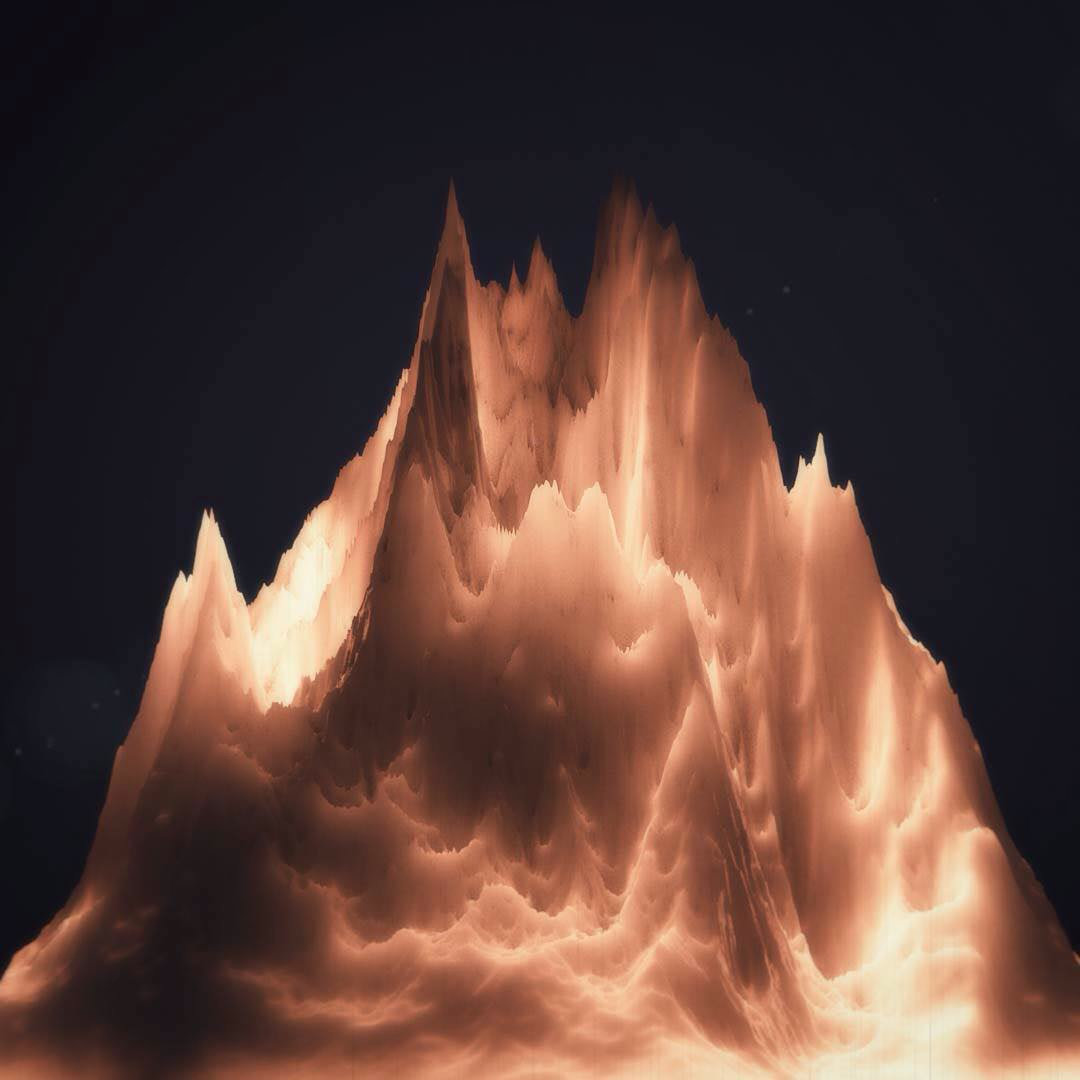
Copper range
A jagged mountain range glowing copper and orange against a dark sky.

Figures take a caption written in Markdown, under the picture they describe.

Credit3D noodling, 2016